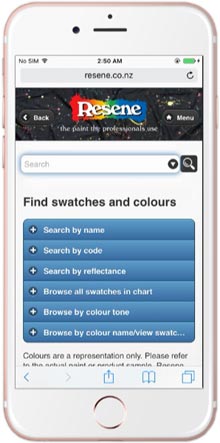
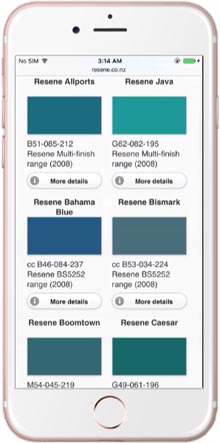
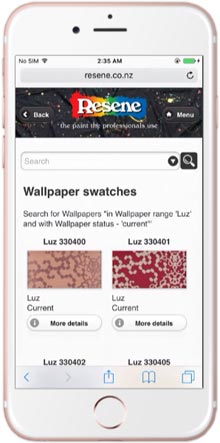
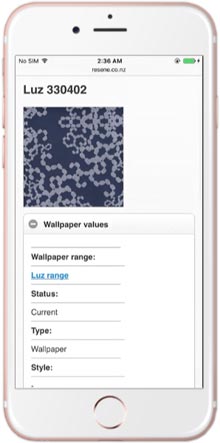
Resene iSwatch is a colour library of Resene colours (Resene iFandeck) with thousands of paint swatches and Resene wallpapers (Resene iWallpaper) with thousands of wallpaper swatches.
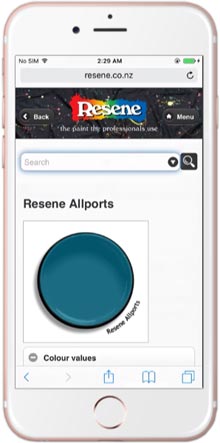
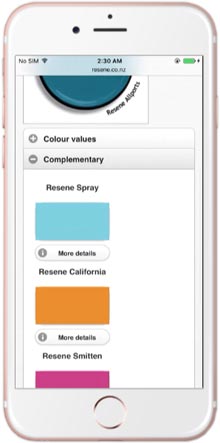
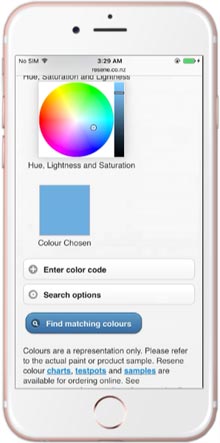
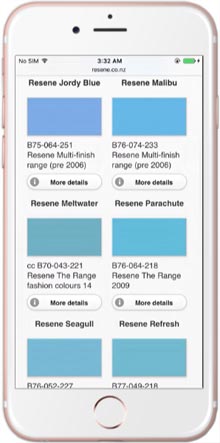
It’s designed to be a quick reference library to Resene swatches that you can search and view. Find out more about each colour and suggested complementary colours. Or use the Resene Find-A-Colour tool to find Resene colours to suit your project.
Resene iSwatch was originally a separate app but has been redesigned to be a mobile friendly colour library to bring you the latest updates to the Resene colour collection via your smartphone or tablet.
 Get inspired ! Subscribe Get saving ! Apply for a DIY card

Can't find what you're looking for? Ask us!


Company profile | Terms | Privacy policy | Quality and environmental policy | Health and safety policy
Colours shown on this website are a representation only. Please refer to the actual paint or product sample. Resene colour charts, testpots and samples are available for ordering online. See measurements/conversions for more details on how electronic colour values are achieved.
What's new | Specifiers | Painters | DIYers | Artists | Kids | Sitemap | Home | TOP ⇧